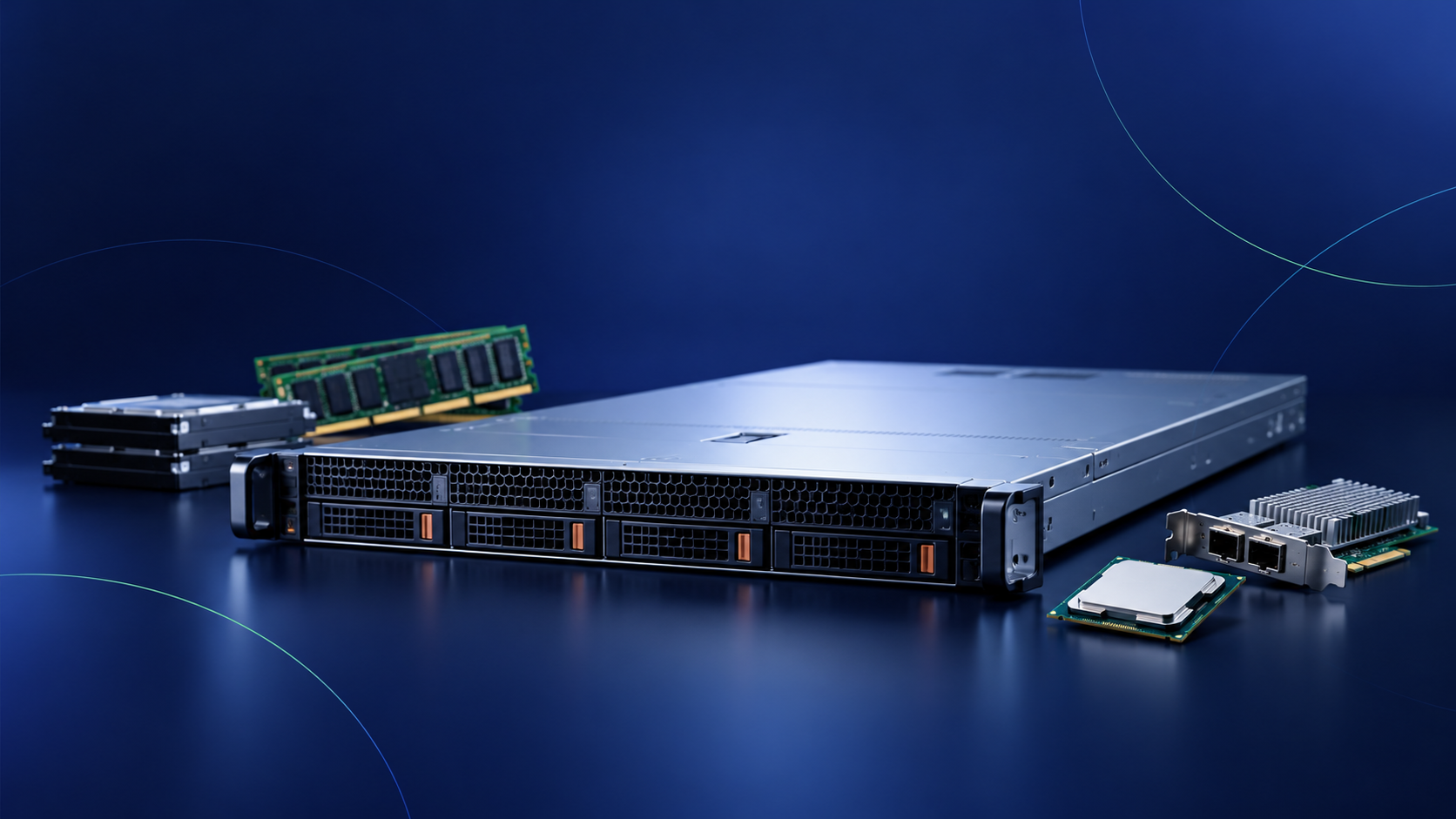
Setting up a new server or upgrading one that's already in operation may seem simple: adding memory, replacing processors, adding hard drives, or improving connectivity.
The problem arises when compatibility issues come into play.
A single generation of servers can support different processors, memory types, controllers, hard drives, network cards, power supplies, or accessories. And two seemingly similar models may not necessarily work in the same system.
That's why, before buying components, it's a good idea to review the entire configuration rather than each part individually.
These are some of the most common mistakes.
1. Choosing components without checking their compatibility with the server
One of the most common mistakes is to look directly for a CPU, memory module, or controller and assume it will work simply because it's from the same brand or generation.
That's not always the case.
Compatibility may depend on the exact server model, its generation, the chassis, or even other installed components.
First, identify the server, and then look for components that are compatible with that server.
That is precisely the logic we follow in the MercadoIT configurator: you first choose the base server, and from there, you see only the compatible options.
Check which options are compatible with your server.
2. Expand RAM without replacing the existing memory
Adding RAM is one of the most common upgrades for servers, but it's also one that can raise the most questions.
It's not enough to check just the capacity.
It is important to consider aspects such as:
- Memory type.
- Speed.
- Generation.
- Layout of the modules.
- Platform compatibility.
Before upgrading a server's memory, it is advisable to check which modules are installed and what configuration you want to achieve.
This prevents you from buying memory that cannot be properly installed in the computer later on.
3. Choose storage without considering the controller
Another common mistake is deciding which disks to install first without checking how the server's storage is configured.
HDDs, SSDs, and NVMe drives meet different needs, but the choice isn't based solely on capacity or performance.
You should also check aspects such as:
- Interface.
- Format.
- Parent Company.
- Backplane.
- Number of available bays.
- Planned RAID configuration.
The choice of storage should be part of an overall configuration and not treated as a standalone decision.
4. Do not check the RAID settings
The RAID controller is another component that can easily be overlooked when upgrading a server.
Replacing drives, increasing capacity, or changing the storage configuration may also require checking the installed controller.
Before performing an upgrade, it's important to be clear about what storage configuration is needed and to verify whether the current controller can handle it properly.
5. Forgetting about network connectivity
Network needs also change over time.
A server that was initially configured with a specific connectivity setup may later require new interfaces, additional ports, or different speeds.
Here, the same problem arises again: not all network cards are compatible with every server.
Before selecting a network interface card (NIC) or an expansion card, you should check the following:
- Exact server model.
- Available interfaces.
- Number of ports required.
- Required speed.
- Platform compatibility.
Do you want to avoid checking references one by one?
Set up your server step by step and view only the compatible options.
6. Check the CPU, RAM, or hard drives and ignore the secondary components
When we think about setting up a server, we tend to focus on the main components: CPU, RAM, and storage.
However, a complete configuration may also require:
- Heat sinks.
- Wired.
- Expansion cards.
- Power supplies.
- Optical drives.
- Rail kits.
- Other specific accessories.
It is precisely these elements that can delay an installation when it is discovered too late that a necessary part is missing.
That is why it is advisable to evaluate the server as a whole rather than just its main components.
7. Buy first, check later
It's probably the easiest mistake to avoid.
When working with many similar part numbers, relying solely on a component's commercial description can lead to selecting a part that ultimately does not fit the equipment.
Before placing your order, you should review the entire configuration.
At MercadoIT, we've tried to simplify that very process.
Our configurator starts with the server you want to use and guides you through each step, showing you the options that are available and compatible with that server.
During the process, you can configure settings such as:
- Processor.
- Heat sink.
- RAM.
- RAID.
- Wired.
- Storage.
- Network connectivity.
- Expansion cards.
- Optical drives.
- Power supplies.
- Additional components.
- Rail kits.
Before expanding a server, check the cluster
Any expansion should be based on three questions:
- What kind of server do I have?
- What do I need to get?
- Which components are compatible with that device?
Answering them before looking up references significantly reduces the amount of work required for verification later on.
And when there are different options available, reviewing the complete configuration before placing an order allows you to identify any incompatibilities, missing components, or items that need to be checked before making the purchase.
Configure the server based on the computer, not on the specifications
Our server configurator follows that philosophy to the letter.
First, choose the server.
Next, you define your needs and proceed step by step, viewing only the compatible options available for that device.
And if, during the process, you have questions about a product, an extension, or the right configuration for your project, feel free to contact our team.
Want to check it out?
Choose your server and start setting it up step by step.