The
EX3300 Ethernet Switch is Juniper Networks' mid-range product line that meets almost any need.
The Juniper EX3300 Ethernet Switch is a device that, thanks to the versatility of its models, can adapt to almost any scenario. It offers models with 24 or 48 10/100/1000BASE-T ports and 4 1GbE/10GbE SFP/SFP+ uplink ports. In addition, with Virtual Chassis technology—which we’ll discuss later—it can consolidate up to 10 devices into a single unit.
Juniper EX3300 Series Switches and Their Features:
| Part Number |
Number of ports |
Uplink |
Airflow |
Type of AF |
PoE+ available (W) |
Max Power Consumption (W) |
| EX3300-24T |
24 |
4 dual-mode 10GbE/1GbE ports |
Front-to-back |
AC |
0 |
51 |
| EX3300-48T |
48 |
4 dual-mode 10GbE/1GbE ports |
Front-to-back |
AC |
0 |
73 |
| EX3300-48T-BF |
48 |
4 dual-mode 10GbE/1GbE ports |
Back-to-front |
AC |
0 |
73 |
| EX3300-24P |
24 PoE+ |
4 dual-mode 10GbE/1GbE ports |
Front-to-back |
AC |
405 |
65 |
| EX3300-48P |
48 PoE+ |
4 dual-mode 10GbE/1GbE ports |
Front-to-back |
AC |
740 |
81 |
| EX3300-24T-DC |
24 |
4 dual-mode 10GbE/1GbE ports |
Front-to-back |
DC |
0 |
49 |
As shown in the table, the
Juniper EX3000 Ethernet Switch offers models in which airflow can be configured to flow either from front to back or from back to front, making it a suitable choice for data center environments where airflow patterns are a key factor in selecting which equipment to install.
The uplink ports can be configured as Virtual Chassis and connected via SFP/SFP+ connectors, facilitating rapid deployment.
At their most basic licensing level, the
Juniper EX3300 switches offer Layer 2 and Layer 3 capabilities. At Layer 3, they are capable of routing via static routes or RIP. If more advanced licenses are selected, the EX3300 can support much more advanced Layer 3 features such as OSPF v2, IGMP v1/v2/v3, PIM, VRRP, Q-in-Q, BFD, Virtual Route, and, at the highest licensing tier, it supports both BGP and MBGP.
As mentioned in the previous point, the Juniper EX3300 Ethernet Switch offers two license levels: Enhanced Feature Licenses (EFLs) and Advanced Feature Licenses (AFLs).
To use the following features on Juniper EX3300 switches, you must have the EFL license installed
- Bidirectional Forwarding Detection (BFD)
- IGMP (Internet Group Management Protocol) version 1 (IGMPv1), IGMPv2, and IGMPv3
- IPv6 routing protocols: Multicast Listener Discovery versions 1 and 2 (MLD v1/v2), OSPFv3, PIM multicast, VRRPv3, virtual router support for unicast and filter-based forwarding (FBF)
- OSPFv1/v2
- Protocol Independent Multicast (PIM) dense mode, PIM source-specific mode, PIM sparse mode
- Q-in-Q tunneling (IEEE 802.1ad)
- Real-time performance monitoring (RPM)
- Virtual Router
- Virtual Router Redundancy Protocol (VRRP)
To use the following features on Juniper EX3300 switches, you must have the AFL license installed
- Border Gateway Protocol (BGP) and Multiprotocol BGP (MBGP)
- IPv6 routing protocols: IPv6 BGP and IPv6 for MBGP
- Virtual Routing and Forwarding (VRF) BGP
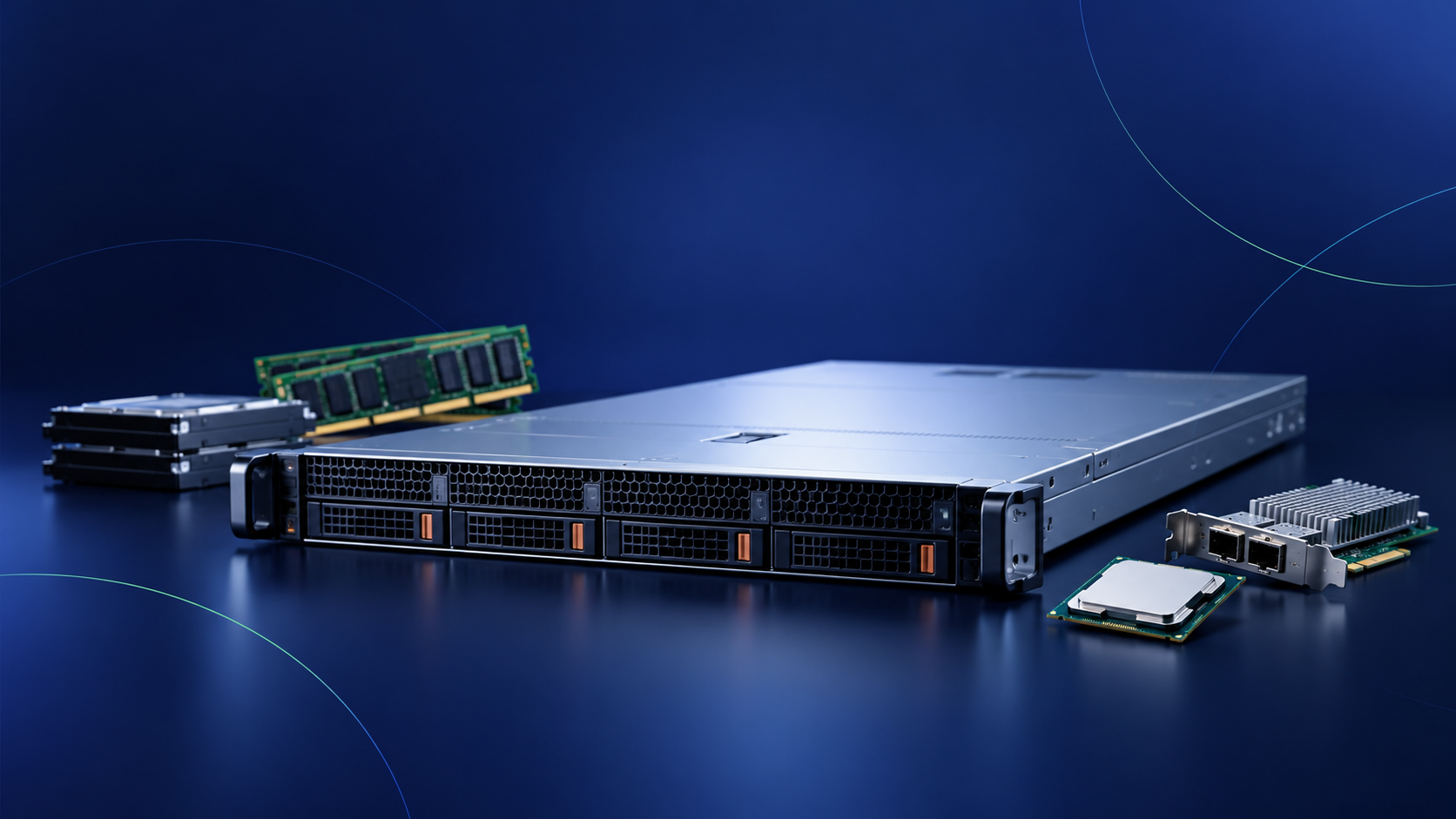
Physically, this device occupies 1U of rack space, making it perfectly suited for any type of environment and tight spaces.
Earlier, we discussed the possibility of creating a Virtual Chassis with up to 10 devices.
But what is a Virtual Chassis?
Virtual Chassis is a Juniper feature that allows up to 10 devices to be connected via uplink ports, and all 10 devices can be managed as if they were a single logical device. Devices can be added to or removed from the logical unit without any service disruption, making this solution ideal for environments where service criticality is very high.
MercadoIT has a large inventory of used, refurbished, like-new, reconditioned, and new Juniper switches. Trust the leading supplier for purchasing Juniper IT hardware in Spain.

In upcoming blog posts, we'll demonstrate some basic configurations and environments for which the
Juniper EX3300 Ethernet Switch is well-suited.